Square Face Generator
The Square Face Generator is a free squareface icon generator that lets you create cute, classic square face pixel avatars with a nostalgic pixel charm — fast, fun, and ready to share anywhere.
Share this Square Face Generator!
Try Our Other Generators
Explore more pixel avatar tools from our squareface icon generator collection.


Community
Share your thoughts and creations with fellow square face fans.
Loading comments...
Square Face Generator Gallery


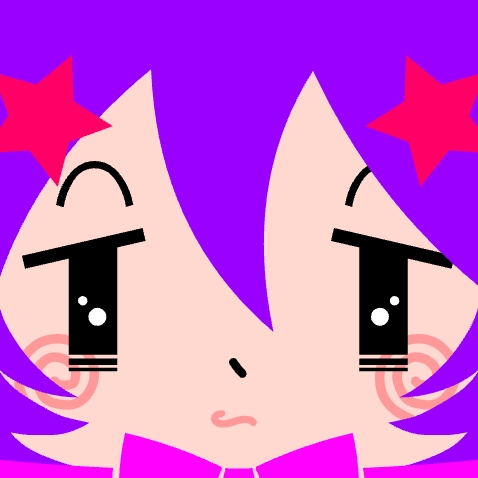
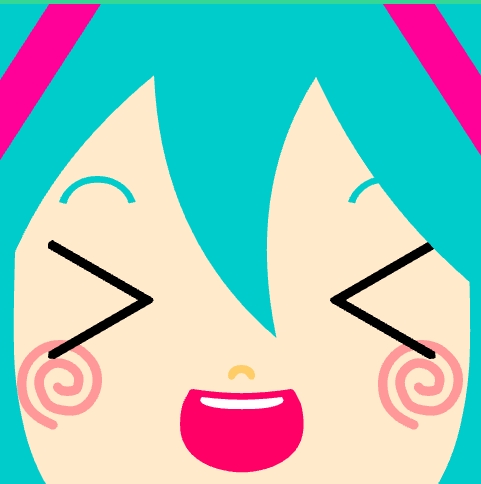
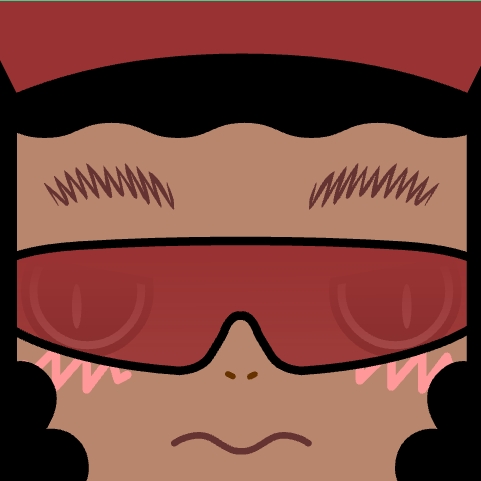
What Is Square Face Generator?
The Square Face Generator is a creative squareface icon generator inspired by the golden age of the early internet, when simple Flash-based generators brought personality and fun to forums, blogs, and social profiles. Around 2013, square face makers became a cultural icon—allowing users to mix eyes, mouths, colors, and expressions into instantly recognizable pixel-style avatars.
This squareface icon generator revives that experience for the modern web. It preserves the original square face aesthetic and playful logic, while running safely in today's browsers without Flash Player, downloads, or uploading your square face icon. Everything works instantly, right in your browser. Try this squareface icon generator once and you'll see why it's still a favorite pixel avatar tool.
Why Choose This Square Face Generator
Mobile Ready
The Square Face Generator works smoothly on desktop, tablet, and mobile.
Fast & Free
Instant square face generation with no accounts or payments.
Safe & Private
Runs locally with no uploads or tracking. Your square face stays yours.
Easy to Share
Download and share your Square Face Generator creation in one click.
Classic Flash Style
Faithful square face pixel avatar visuals from the Flash era.
Powered by Ruffle
Modern Flash emulation so the Square Face Generator runs in today's browsers.
Create with Square Face Generator in 3 Steps
Start Creating
Click Start to open the Square Face Generator, our squareface icon generator. The face preview appears along with 12 feature buttons. Use Random to generate a base square face instantly, or click Manual to view the built-in guide at any time. The squareface icon generator is ready in seconds.
Customize
Choose from 12 feature categories with 200+ selectable elements, including eyes, mouth, hair, and accessories. Change colors using the palette in the top-right corner, adjust positions with the up, down, left, and right controls, or use All Reset to start over. Your square face pixel avatar takes shape right here.
Save & Share
Click SAVE to download your 256×256px square face PNG from the Square Face Generator, or use the Share buttons below to post it directly. Set your Square Face Generator creation as an avatar for Discord, X (Twitter), TikTok, Community, or anywhere you want a retro pixel-style profile look.
Tips & Guides for the Square Face Generator
Color Play
Try different color combinations and see what feels right. Soft colors usually look friendly, while bright colors help expressions stand out in your square face. For example, a light yellow face with blue eyes feels warm, while darker colors create a stronger, bolder look.
Mix & Match
Don't worry about perfect balance at first. Combine different eyes, mouths, and accessories to explore styles, then keep what looks good to you. Unusual feature combinations often look better than expected once you adjust colors or remove extra details.
Fine Tuning
Use the up, down, left, and right controls to make small adjustments. Even slight moves can help the face feel more centered and natural. Moving eyes or mouth by just one step can fix spacing issues and improve overall symmetry.
Random First
Start with Random to get ideas quickly, then customize the details. This often leads to more interesting square face designs with less effort. When using the Square Face Generator, many great results come from refining a random face instead of building one from scratch.
Keep It Simple
If something looks off, try removing features instead of adding more. The Square Face Generator works best when you keep it simple. Fewer details make it easier to highlight the main expression of your square face pixel avatar.
Check Small Size
Zoom out or preview your square face at a small size. If it still looks clear and balanced, you are on the right track. Square Face Generator creations that work well at small sizes usually look great as avatars and profile images.
About the Original Square Face Generator
The Square Face Icon Generator was created by h071019, a Japanese digital artist whose work became a memorable part of early 2010s internet culture. Hosted on Flash-based platforms such as Flash Museum, this squareface icon generator quickly gained popularity for its simple design, charming pixel style, and endless combinations that made creating avatars fun and effortless.
This website brings that classic squareface icon generator experience back to modern browsers. The original structure, feature categories, and square face visual style are preserved, allowing you to enjoy the same squareface icon generator creative process today without Flash Player. Share your square face in our Community or on your Blog.