Oval Face Generator
Use the Oval Face Generator to create unique oval face pixel avatars — free, instant, no login. Build your oval face and share it anywhere. Love the Oval Face Generator? Try our Square Face Generator or Square Face Cube Generator next.
Share this Oval Face Generator!
Try Our Other Generators
Explore more pixel avatar tools from our squareface icon generator collection.


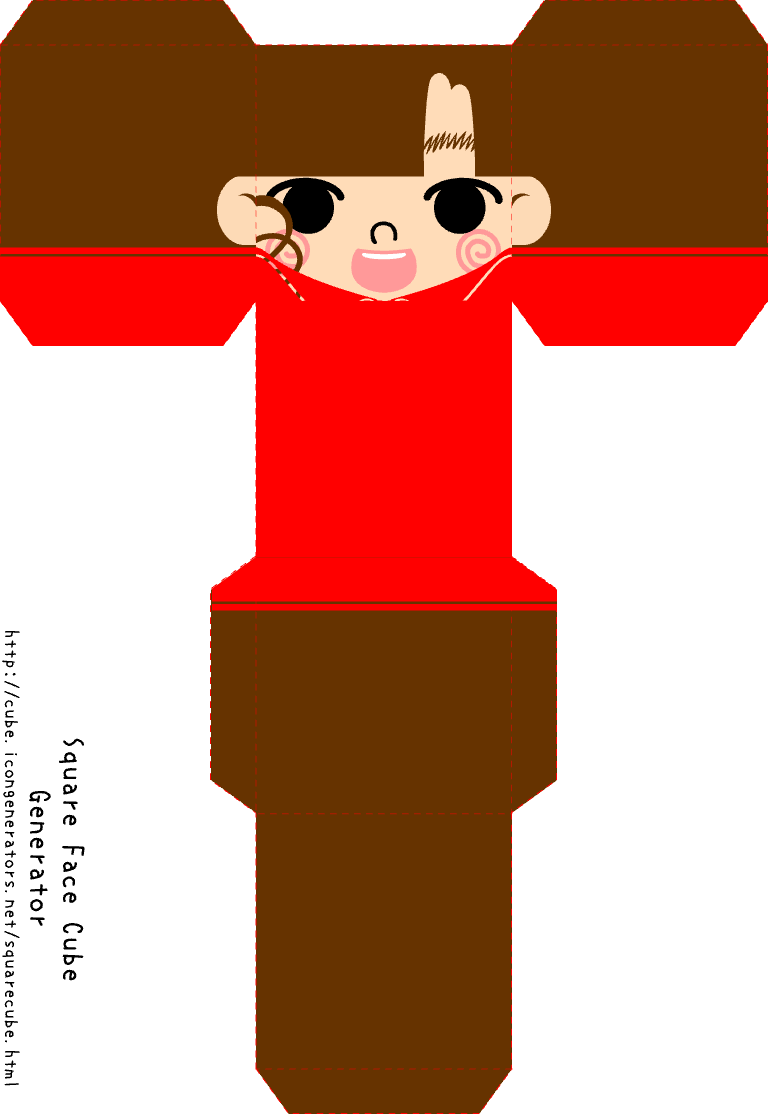
What Is the Oval Face Generator?
The Oval Face Generator is a free online tool that lets you create oval-style pixel avatars in your browser. Unlike the Square Face Generator or Square Face Cube Generator, the Oval Face Generator uses a softer, rounded oval face shape — perfect for profile pictures, avatars, and nostalgic pixel art that stands out.
No downloads, no Flash Player, no sign-up. The Oval Face Generator runs on Ruffle, a modern emulator that brings Flash-era creativity to any device. Use the Oval Face Generator to make unique oval face avatars for Discord, Community, Blog, social profiles, and forums — then download and share anywhere. The Oval Face Generator is the go-to oval face maker.
Features of the Oval Face Generator
Free Oval Face Creator
The Oval Face Generator is completely free. Create unlimited oval face pixel avatars with no account, no subscription, and no hidden fees. The Oval Face Generator is your oval face maker.
Oval Pixel Art Style
Design a face with an oval shape. The Oval Face Generator gives you control over features, colors, and expressions in a classic pixel style. Your oval face, your style.
Works in Every Browser
The Oval Face Generator runs on Ruffle — no Flash install needed. Use the Oval Face Generator on desktop, tablet, or phone in Chrome, Safari, Firefox, or Edge.
Download & Share
Export your oval face as an image. Use your Oval Face Generator creation as a profile picture, share in Community, on your Blog, or on social media.
No Account Required
Start using the Oval Face Generator right away. No sign-up, no email, no tracking. Your oval face creations stay on your device until you choose to share.
Ruffle-Powered
The Oval Face Generator runs on Ruffle, a modern Flash emulator. Enjoy the classic oval face experience in any modern browser without installing Flash.
Create with Oval Face Generator in 3 Steps
Start Creating
Click Start to open the Oval Face Generator. The preview shows your oval face. Use Random for a base look or adjust manually with the controls.
Customize
Change features, colors, and expressions in classic pixel style. The Oval Face Generator gives you full control over the oval face look.
Save & Share
Download your oval face as an image and use it as a profile picture on Discord, social media, or anywhere you like.
Tips for the Oval Face Generator
Color Play
Try different color combinations for your oval face in the Oval Face Generator. Soft colors feel friendly; bright colors make expressions pop.
Mix & Match
Combine different eyes, mouths, and accessories. The Oval Face Generator works great with unusual combinations once you tweak colors. Your oval face pixel avatar will stand out.
Fine Tuning
Use the Oval Face Generator position controls to center the face. Small moves can make your oval face feel more balanced and natural.
Random First
Start with Random in the Oval Face Generator to get ideas quickly, then customize. Many great oval faces come from refining a random result.
Keep It Simple
If something looks off, try removing a feature. The Oval Face Generator shines with simple oval faces that feel cleaner and more expressive.
Check Small Size
Preview your Oval Face Generator creation at a small size. If your oval face stays clear and balanced, it will work well as an avatar or profile image.
About the Oval Face Generator
The Oval Face Generator brings the same creative, Flash-era spirit to a softer oval shape. Like the Square Face Generator and Square Face Cube Generator, the Oval Face Generator runs on Ruffle so you can use it in any modern browser without Flash.
Create unique oval face pixel avatars with the Oval Face Generator for profiles, Discord, Community, Blog, social media, or just for fun — then download and share anywhere.
FAQ – Oval Face Generator
What is the Oval Face Generator?
The Oval Face Generator is a free online tool that creates oval-style pixel avatars. You design a face with a rounded oval shape and download it — no Flash Player or sign-up required.
Is the Oval Face Generator free?
Yes. The Oval Face Generator is completely free. No account, no subscription, and no payments. Create and download as many oval faces as you like.
Do I need Flash to use the Oval Face Generator?
No. The Oval Face Generator runs on Ruffle, a modern Flash emulator. It works in all current browsers without installing Flash.
Can I use my Oval Face as a profile picture?
Yes. You can download your creation from the Oval Face Generator and use it as a profile picture on Discord, X (Twitter), TikTok, forums, or any platform.
Does the Oval Face Generator work on mobile?
Yes. The Oval Face Generator is responsive and works on phones, tablets, and desktops in any modern browser.